 Add to Claude
 Grok
Grok Muse
Muse Cursor
 Codex
Codex VS Code
 Gemini CLI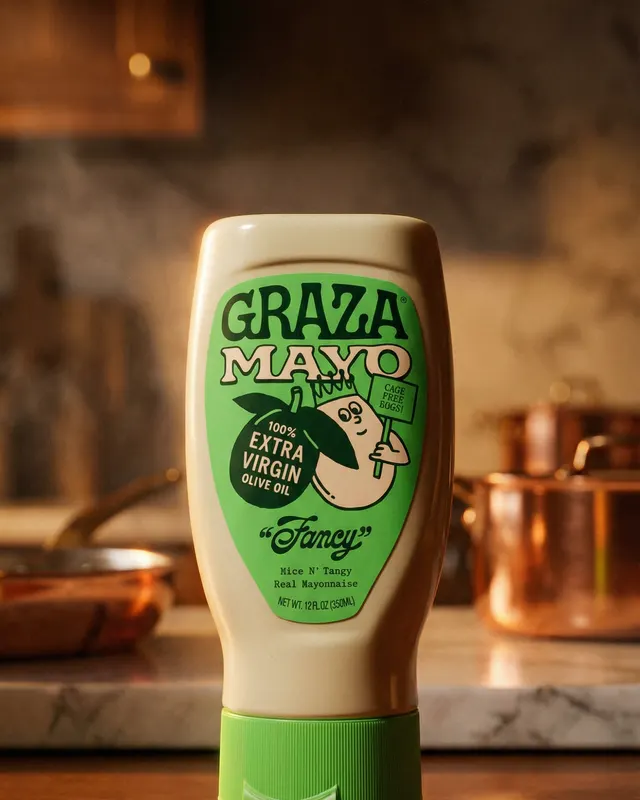
Full campaigns
One product photo in, 20 signature styles out, from studio and cinematic to UGC and editorial, in every format.
create_campaigncreate_free_campaign Ad Machine for AI assistants and agents
Connect Ad Machine to the AI you already use. Attach a product photo, say what you need, and finished ads, 4K images, and video arrive right in the chat.
https://admachine.xyz/mcpPaste this into any AI app that supports MCP.

Make an Instagram campaign from this jacket photo.
On it: 6 ads, 4:5 for the feed. Here’s your board.
Add Ad Machine with one click or one URL, and sign in once. No keys to copy.
“Make an Instagram campaign from this photo.” Plain words are enough; your assistant handles the rest.
A live board fills in as ads render. Then edit with words, upscale to 4K, or turn one into video.
Most take under a minute. You sign in to Ad Machine once and approve exactly what the app can do.
Ask for ads in the assistant you already use.
Make ads from your terminal or editor.
Build Ad Machine into your own agents.

Web, desktop, mobile, and dots
Your dots can use Ad Machine too, once the plugin is enabled for them.
One product photo in, 20 signature styles out, from studio and cinematic to UGC and editorial, in every format.
create_campaigncreate_free_campaign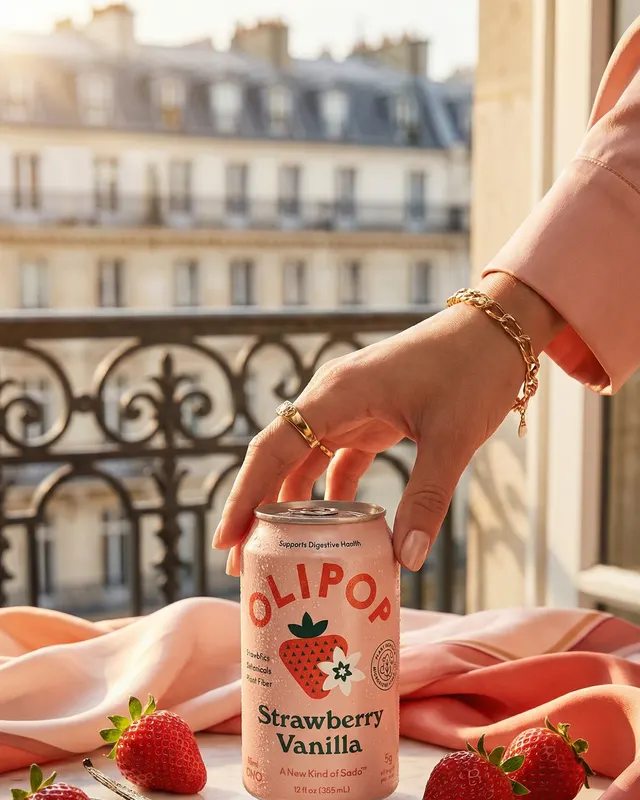
A creative brief becomes an 8-shot story with one consistent look, from the hook to the closing hero.
direct_campaign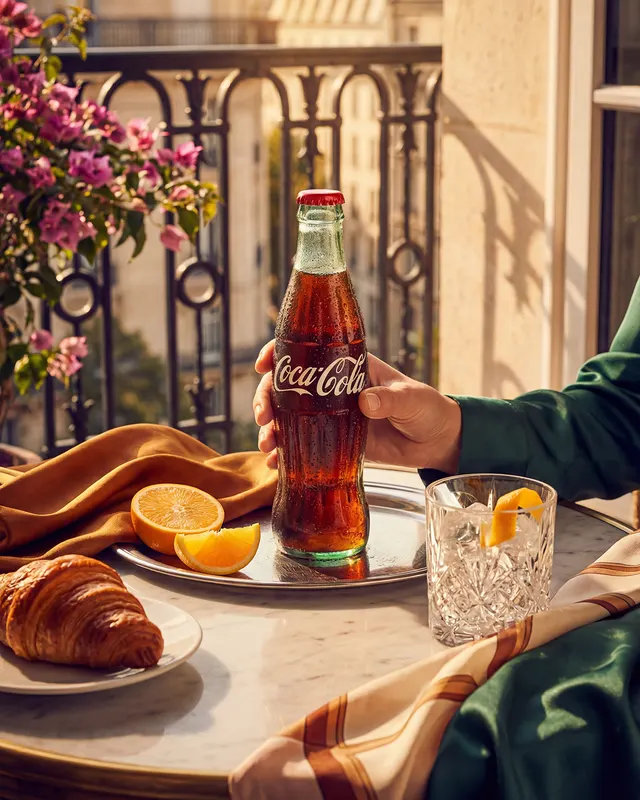
Find ads that have run for months, then rebuild the idea around your product and brand.
search_ad_libraryreplicate_ad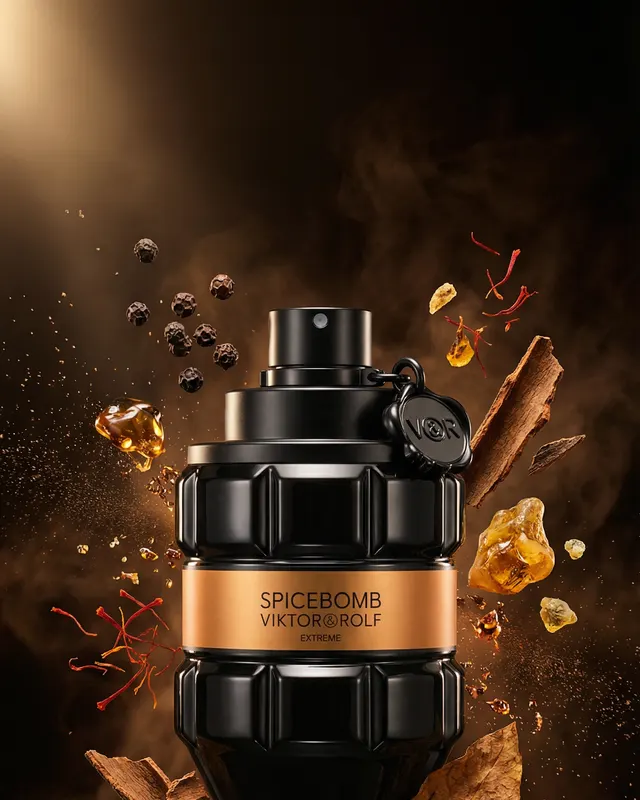
Change an ad with words, upscale to 3840 px, or animate it into 1080p video with sound.
edit_adupscale_adanimate_ad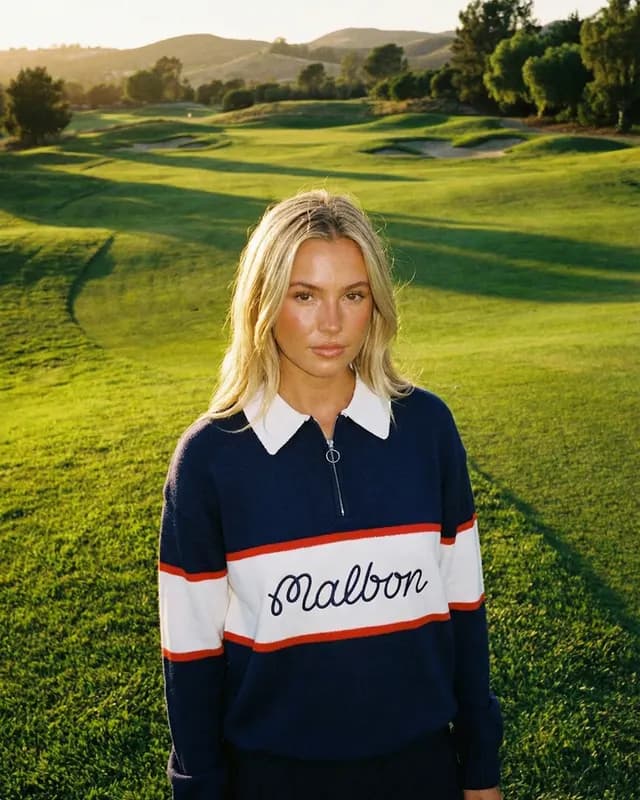
Your identity, audience, voice, and guardrails, applied to every prompt from any assistant.
create_brand_brainlist_brand_brains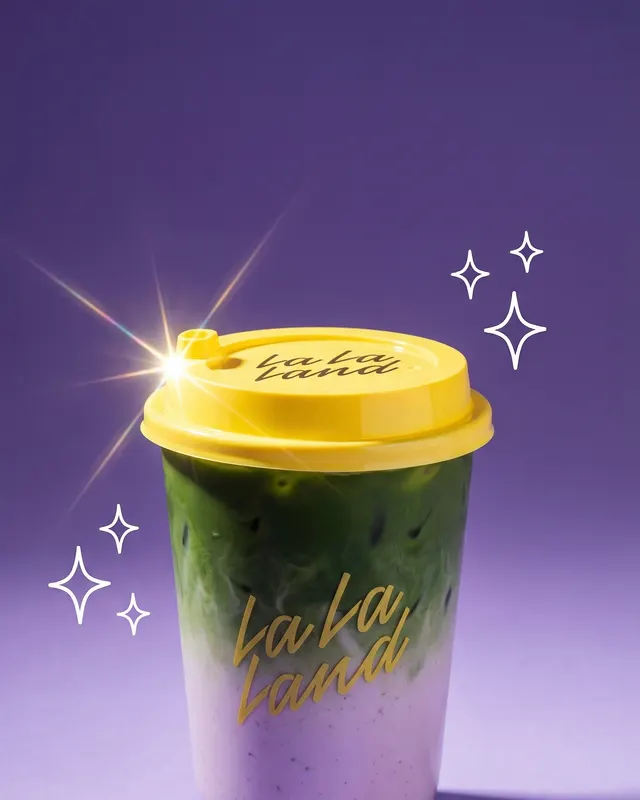
Anything beyond ads, on 19 image and video models, always with an exact quote first.
imagine_quoteimagine_submitget_account · Start here. Returns who is signed in, their teams (with the default team), the plan and token balance, whether the team can still claim its free 7-ad campaign, and…get_catalog · Everything Ad Machine can make and what it costs: campaign styles, the 20 ad templates (ids, names, looks), Director's 8-shot story arc, aspect ratios, 2K/4K sizes,…estimate_cost · Exact token cost of an action before you run it, compared with the team's balance.upload_image · Use this for every product photo or reference image the person shares, one call per image.create_upload_url · Use this to upload a local file you can read from disk (for example in Claude Code, Codex, or a script), especially if it's over 3 MB.list_assets · The team's asset library: every uploaded product photo and reference image, newest first, with its key, type, size, and which campaigns use it.delete_asset · Permanently delete one uploaded image from the asset library.list_brand_brains · The team's Nuclei: saved brand identity, audience, voice, guardrails, and visual style.get_brand_brain · Every field of one Nucleus. Read it before writing prompts, briefs, or instructions so they match the brand.create_brand_brain · Save a new Nucleus when the person asks for one.update_brand_brain · Change fields of a Nucleus. Only the fields you pass change, and each replaces the old text entirely, so include everything you want to keep in that field.delete_brand_brain · Permanently delete a Nucleus. Ads already made with it are kept.list_campaigns · The team's campaigns, newest first, with ad counts and a thumbnail.get_campaign · A campaign with every ad, its status (generating, ready, failed), image link, and video.create_campaign · Make ads from product photos (10 tokens per ad at 2K, 20 at 4K).create_free_campaign · The fastest way to a first result: every new team can make one free campaign of 7 ads (4:5, 2K) from its product photos, with no plan or card.direct_campaign · Director mode: turns a creative brief into an 8-shot story (hook to closing hero) with one consistent look.replicate_ad · Recreate an existing ad (a competitor's, or one from search_ad_library) with the person's product, same idea and layout; brandMatch restyles type and colors.rename_campaign · Change a campaign's name. Nothing else changes.delete_campaign · Permanently delete a campaign with all its ads, images, and videos.get_ad · One ad with its full prompt, every image version, and video.view_ads · Look at up to 6 finished ads as small inline images, so you can judge them, compare them, or describe them to the person before deciding what to upscale, edit, or…regenerate_ad · Render a fresh take on an ad from the same prompt; the old image is kept as a version.edit_ad · Change an ad with words and get the new image back (usually 30–90 seconds).upscale_ad · Upscale a finished 2K ad to 4K (3840px) for print, billboards, or high-res placements, and return the new image (usually under a minute).animate_ad · 5), keeping the product true to the photo.delete_ads · Permanently delete ads, or single versions of them (pass imageKey from get_ad).enhance_prompt · Rewrite a rough ad idea into a detailed image prompt (scene, camera, light, mood) with Ad Machine's prompt writer.search_ad_library · Search real ads running on Meta, TikTok, and more by keyword, brand, niche, format, or platform; order longest_running finds long-running ads.list_ad_library_boards · The boards in the team's Foreplay swipe file, so you can search one with search_ad_library (source saved, boardId).save_swipe_reference · Save an ad image from the ad library (search_ad_library imageUrl) to the team's references, returning a key you can pass to direct_campaign as styleImage or swipeImage,…list_swipe_references · Ads the team saved to its Swipe Ads library in Ad Machine, newest first, ready to replicate.imagine_list_models · Imagine is Ad Machine's open studio for any image or video idea, beyond ad templates: 19 models from OpenAI, Google, ByteDance, Kling, MiniMax, xAI, Ideogram, and more.imagine_get_model · The full input contract for one Imagine model and mode: every field with its type, allowed values, and default; media slots and their limits; how to cite references in…imagine_enhance_prompt · Improve a prompt for a specific Imagine model, mode, settings and references.imagine_quote · Validate an Imagine input and get its exact price: `tokens` is the most it can cost (reserved up front, never exceeded) and `typicalTokens` what it usually costs.imagine_submit · Create an image or video with an Imagine model.imagine_get · An Imagine job's status and outputs. Checking also saves finished media or refunds a failed job; it never starts another paid creation.imagine_list · The team's recent Imagine creations, newest first, 24 per page.list_team_members · Who is on the team (name, email, role) and which invitations are pending.read-onlycreateschangesdeletes
“Make a full Instagram campaign from this product photo.”
“Read acme-skincare.com, save their brand, and make 4 on-brand ad concepts.”
“Find supplement ads that have run for months and recreate the best one with my product.”
“Direct an 8-shot story for our summer launch: playful, sun-drenched, Gen Z.”
“Upscale my two best ads from yesterday’s campaign to 4K.”
“Turn the cinematic ad into a 6-second Reel with sound.”
Every paid action has an exact price. Your assistant confirms it with you and passes it as a cap, so the cost can’t change.
A retried request returns the original result, and renders that fail are refunded automatically.
In Claude and ChatGPT, ads render into a live board with one-click 4K and video. No waiting, no polling.
Long renders return at once. Results stay compact, so your assistant keeps its attention on your work.
One Nucleus keeps every ad consistent, whichever assistant made it.
Sign in once, approve exactly what each app may do, and disconnect any time in Settings → Agents.
It uses your team’s tokens, the same as the app. New teams get one free 7-ad campaign, and failed renders are refunded automatically.
See plansWelcome. Everything on this page is also at /agents.md and /llms.txt. Sign-in is discovered from protected resource metadata; headless agents can use an API key as a bearer token.
Setting up someone else’s agent? Give it this:
Connect to Ad Machine, the ad creation service, so you can make ad campaigns for me.

MCP server (Streamable HTTP): https://admachine.xyz/mcp
Sign-in: OAuth 2.1 is discovered automatically from the server's 401 response. If you can't do OAuth, ask me for an API key (Ad Machine → Settings → Agents) and send it as "Authorization: Bearer am_live_…".

How to work:
1. Call get_account first.
2. Upload my product photo with upload_image.
3. Before anything paid, quote it with estimate_cost, tell me the exact cost, and wait for my yes. Then pass that number as maxTokens and one idempotencyKey.
4. Follow progress with get_campaign (waitSeconds up to 25) until it's done. Never re-create to retry.
5. Show me the finished ads with their links. Don't invent results or performance claims.

Guide for agents: https://admachine.xyz/agents.md
# Ad Machine for agents
server  https://admachine.xyz/mcp
auth    OAuth 2.1 + PKCE, or Bearer am_live_…

1  get_account       team, balance, free campaign
2  upload_image      product photo → asset key
3  estimate_cost     free; confirm with your human
4  create_campaign   maxTokens + idempotencyKey
5  get_campaign      waitSeconds: 25, until done
6  view_ads → edit_ad · upscale_ad · animate_ad

Never re-create to retry. Never invent results.Yes. You sign in with your Ad Machine account when you connect, and work happens in your team. New teams get one free 7-ad campaign, so you can try it before choosing a plan.
No. Quotes are free, but before anything paid your assistant states the exact cost and waits for your yes. It passes that number as a cap, so the price can’t change after you agree. Most apps also ask you to approve each paid action.
It uses your team’s tokens, the same as the app: 10 per 2K image, 20 per 4K image or upscale, and 75 per second of video. Imagine models are quoted exactly before each render. Failed renders are refunded automatically.
Only what you approve on the sign-in screen: view your campaigns and assets, create ads (which uses tokens), and optionally rename and delete. You pick the team it works in. Approve view-only if you just want it to look.
Open Ad Machine → Settings → Agents. Every connected app and API key is listed there, and you can disconnect any of them at once.
Probably. Any app that supports remote MCP servers can connect with the server URL. If it can’t sign in, create an API key in Settings → Agents and send it as a bearer token.
The live board appears in apps that support MCP Apps, including Claude and ChatGPT. Everywhere else, your assistant shares links to each ad and can look at the images to help you choose.
40 tools · 20 ad styles · 19 image and video models · Questions? support@admachine.xyz